Viewing the database
Creating and admin account
To view the database, you first need to create an admin account. While the database is onlinee, paste the following into a new terminal:
cd backend
python manage.py createsuperuser
Then follow the prompts to create a username and password. Since the database is only available from your desktop (as this is a work-in-progress project), it can be as simple as admin/admin.
Accessing the database
To view the contents of the database, follow this link. This will only be accessible if the database is runing on your current device. You will be redirected to a page with a username and password. Use the details from the superuser prompt to log in.
Navigating the database
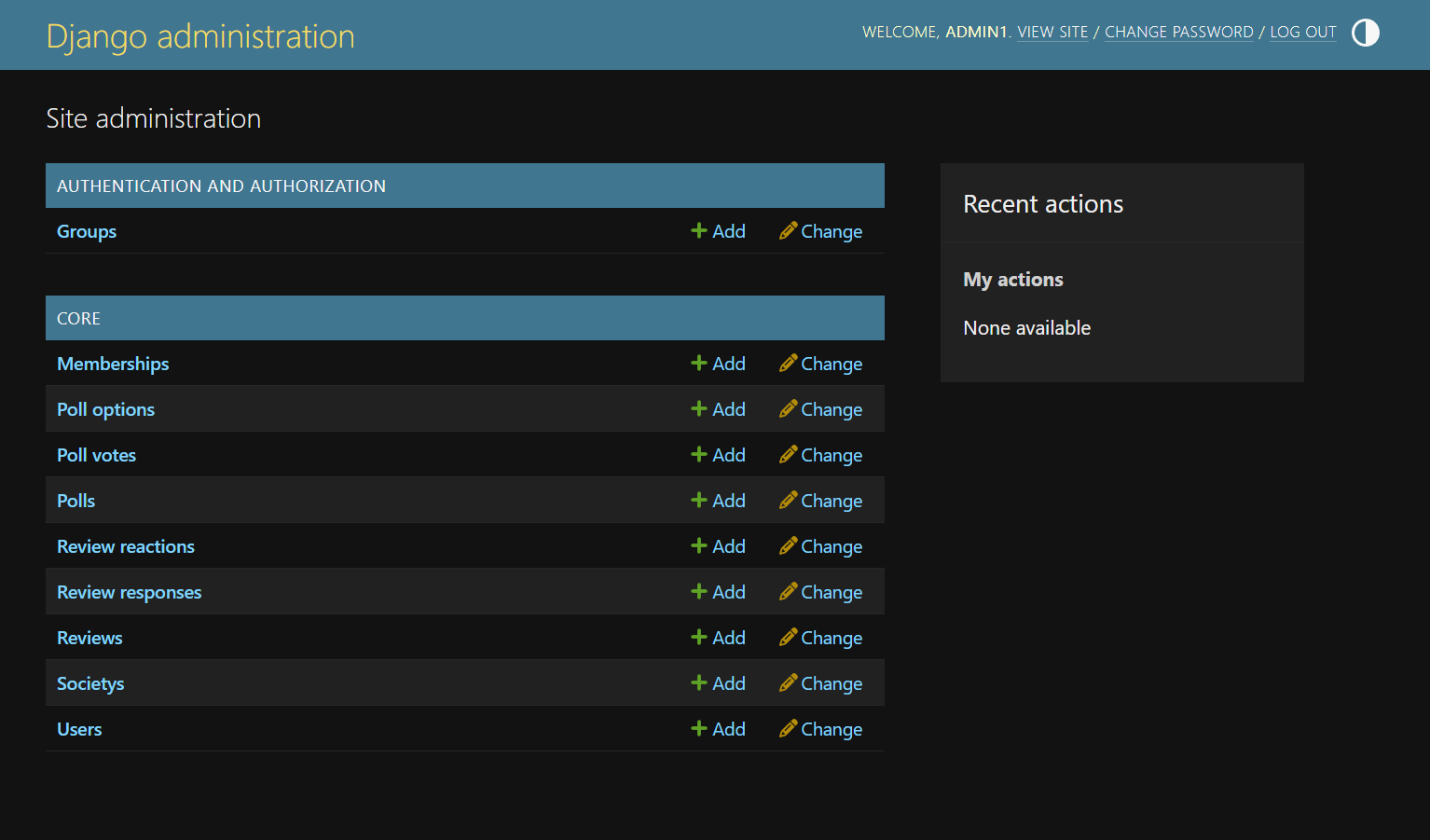
After logging in, all tables will be visible. If you sign up on the sign up page in the website, it will appear in the users table. You can use this feature to track all data within the database.